Choosing the right models for a package, a casting, or a job often requires reviewing past collaborations with the same client. Until now, that meant navigating through projects, filters, and timelines.
Not anymore.
A new “Previous Events” button
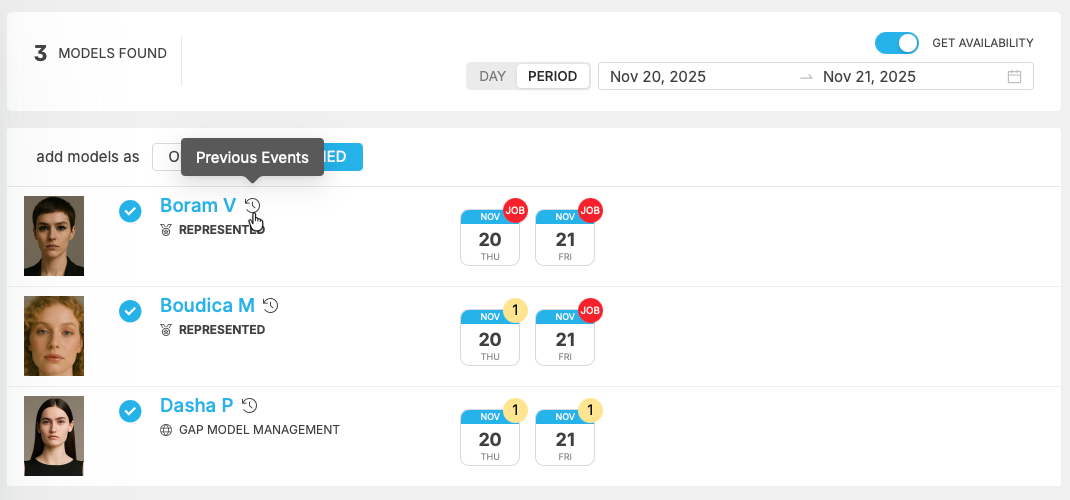
We’ve added a new button that lets you access — in a single click — the entire history between the selected model and the client you are working with.
This feature appears whenever you’re selecting models, including:
• creating a package
• scheduling a casting
• building a job
• adding fees and rates inside a project
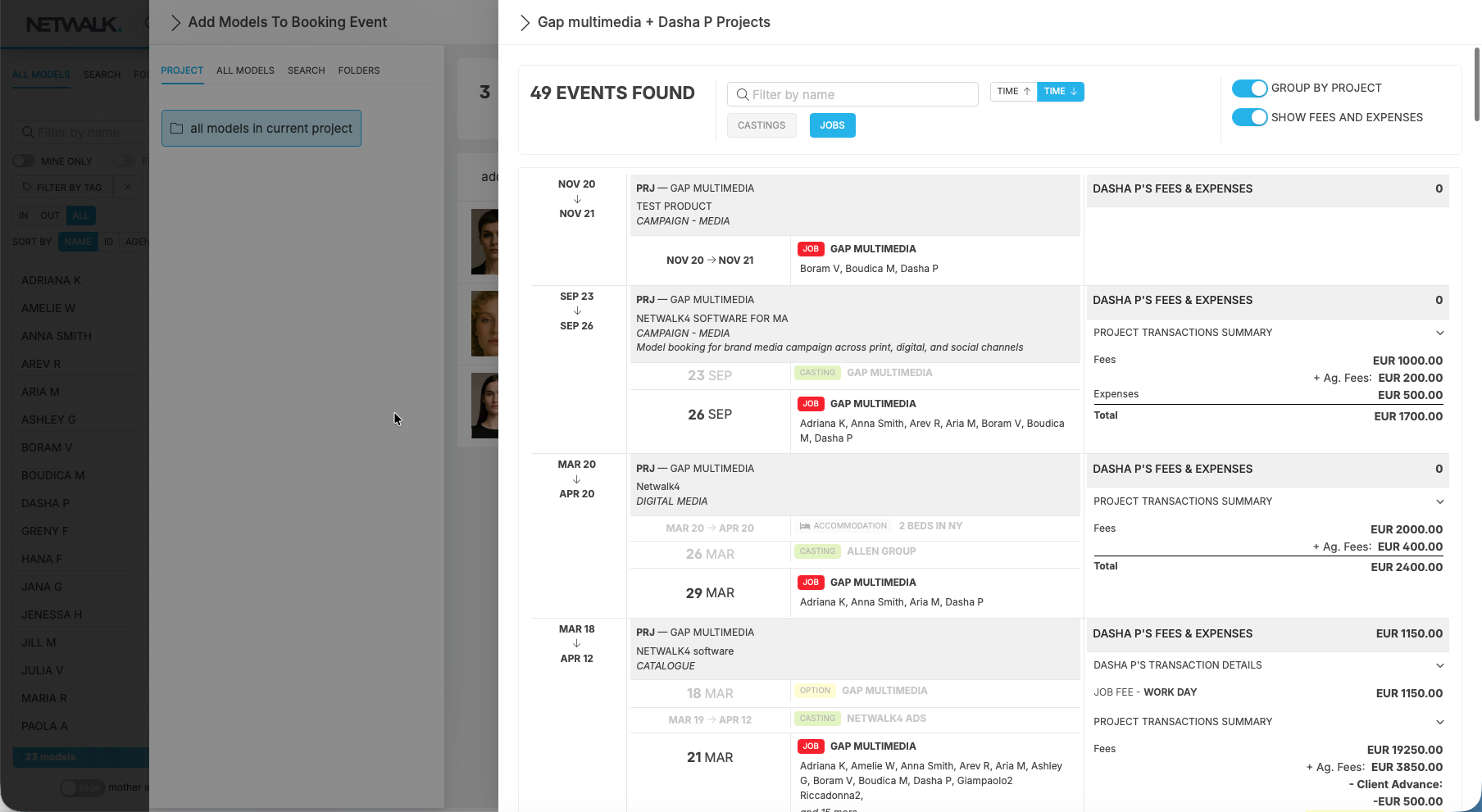
Whenever you click, you can instantly view:
• past castings
• previous confirmed jobs
• optioned days
• fees and expenses
• performance history
• project summaries
• dates, schedules, and locations
Why this matters
• Faster and more informed model selection
• Immediate understanding of reliability and past performance
• Better fee negotiation thanks to quick access to historical data
• More consistent casting and booking decisions
This new tool provides context exactly when you need it, without switching screens or losing focus.